
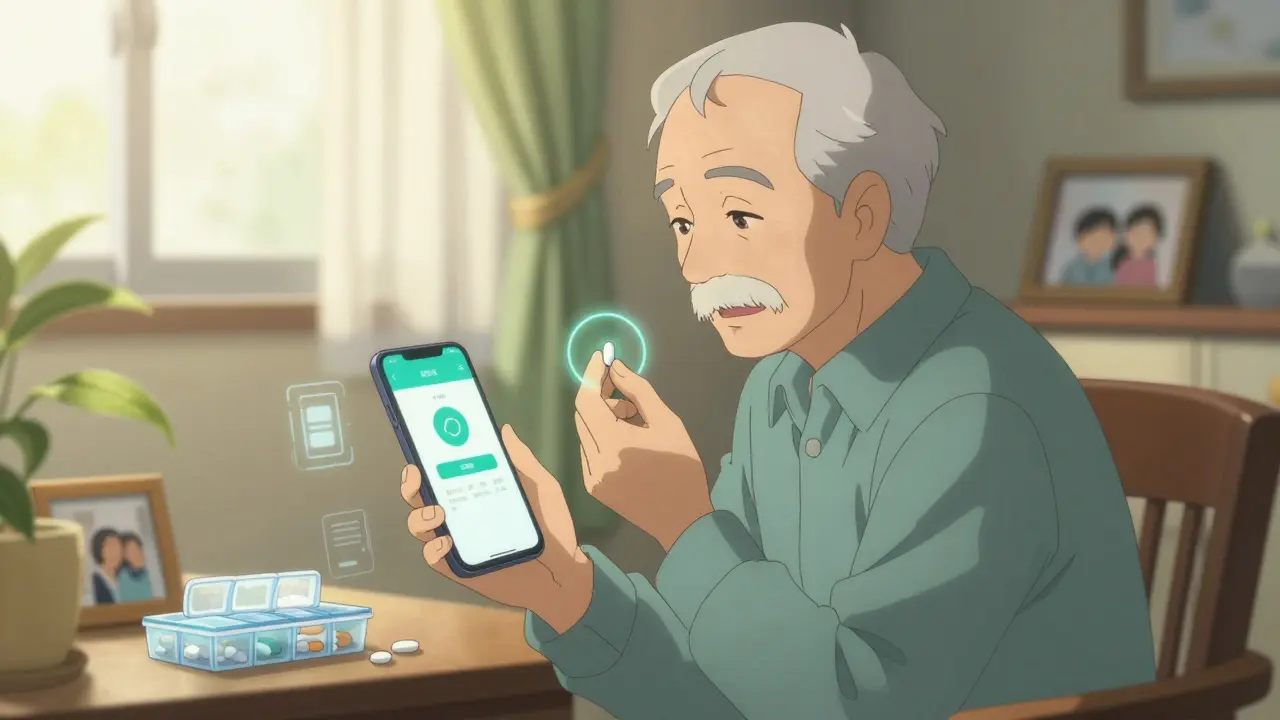
Getting your medication schedule right isn’t just about remembering to take your pills. It’s about staying healthy, avoiding hospital visits, and not wasting money on avoidable complications. Nearly half of people with chronic conditions miss doses at least once a week. That’s not laziness-it’s usually forgetfulness, confusion, or too many alarms that don’t actually work.
Why Most Medication Reminders Fail
You’ve probably tried a phone alarm. Maybe you set five of them. One for your blood pressure pill at 8 a.m., another for your diabetes med at noon, a third for your evening painkiller. But by Tuesday, you’ve silenced them all. Why? Because most reminders are too simple. They don’t adapt to your life. A 2023 study from Stanford Medicine found that people who used basic phone alarms had a 48% adherence rate. Those using smart systems with visual confirmation, staggered alerts, and location-aware prompts? Their adherence jumped to 89%. The difference isn’t just technology-it’s design. Here’s what breaks most systems:- One-time alarms that don’t repeat or escalate
- No way to confirm you actually took the pill
- Alarms that go off during meetings, meals, or sleep
- Apps that don’t sync with your pharmacy or doctor’s records
- Overwhelming alerts for people on 8+ medications
What Makes a Reminder Actually Work?
A working medication reminder doesn’t just beep. It understands you. Here are the seven features that separate effective systems from noise:- Multichannel alerts - Push notifications alone aren’t enough. Combine them with SMS and voice calls. A 2022 study in the Journal of Medical Internet Research showed that users who got both push and text alerts were 87% more likely to take their meds than those who got only one.
- Visual confirmation - The app asks you to take a quick photo of your pill before you swallow. This isn’t invasive-it’s accurate. Stanford’s trial cut false adherence reports by 89% because people stopped just tapping "taken" without actually taking it.
- Escalating alerts - First, a quiet vibration. If you don’t respond in 15 minutes, a louder tone. If you still miss it, a text goes to your caregiver. Mayo Clinic’s trial showed this reduced missed doses by 63%.
- Location-based timing - If you’re at work, the app mutes audio alerts. If you’re home, it reminds you to take your pill with breakfast. This uses calendar and GPS data to adapt to your routine.
- Pharmacy integration - The app links to your pharmacy (CVS, Walgreens, etc.) and auto-sends refill requests when you’re down to 3 days’ supply. No more running out because you forgot to call.
- Medication database accuracy - Good apps use RxNorm, a U.S. government-backed database with over 350,000 drug names. This means if you type "aspirin," it doesn’t guess-it knows exactly which one you mean. Apps without this get it wrong 7% of the time, which can be dangerous.
- Caregiver access - If you’re helping an elderly parent or partner, you need to see their schedule, get alerts if they miss a dose, and even reschedule meds remotely. Three access levels work best: view-only, edit schedule, and emergency override.
Top Apps Compared (2026)
Not all apps are built the same. Here’s how the top five stack up based on real user data and clinical testing:| App | Best For | Cost | Pharmacy Sync | Visual Confirmation | Family Access | Accuracy |
|---|---|---|---|---|---|---|
| Medisafe | AI personalization, complex regimens | Free / $29.99/year | No | Yes | Yes | 97.8% |
| Mango Health | Pharmacy rewards, simple use | Free | Yes (65,000+ U.S. pharmacies) | No | No | 96.1% |
| MedAdvisor | Australia/NZ users, prescription transfers | Free (with pharmacy) | Yes | Yes | Yes | 98.2% |
| Round Health | iOS users, Apple Health integration | $3.99 one-time | No | Yes | No | 97.5% |
| CareZone | Family care, multiple users | Free | Yes | No | Yes | 92.3% |
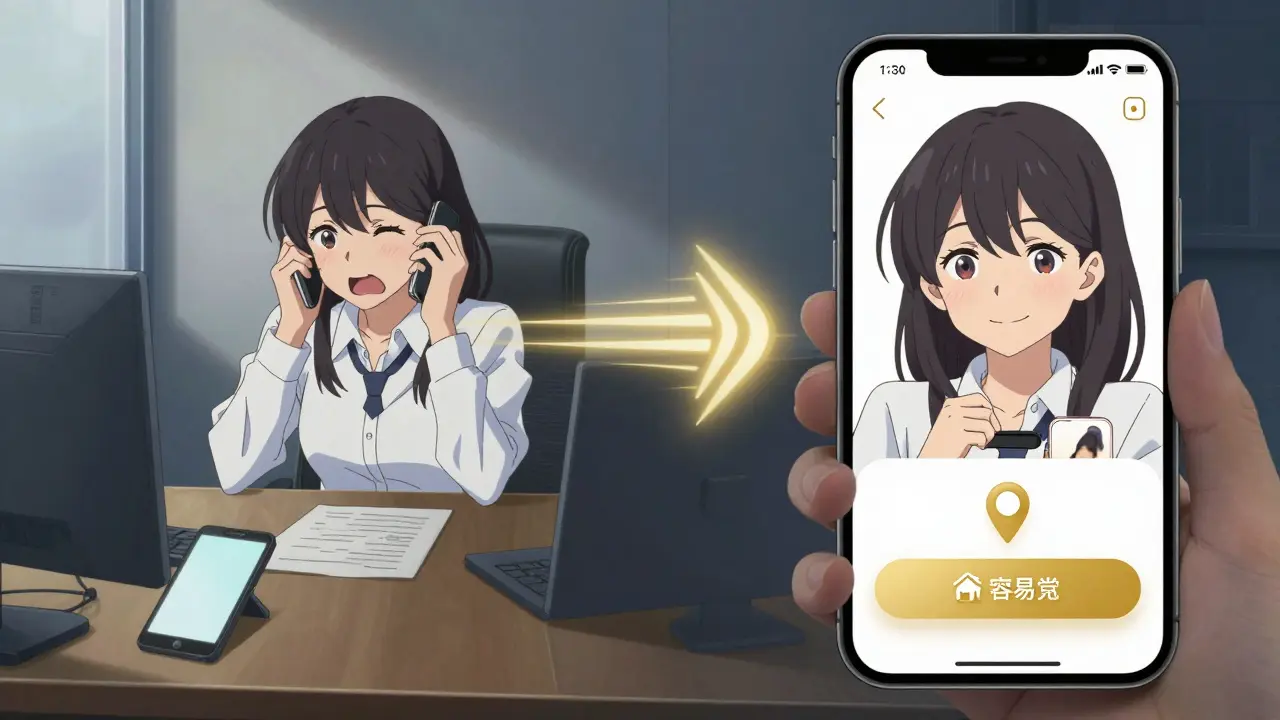
Setting It Up Right: A Step-by-Step Guide
You don’t need to be tech-savvy. Here’s how to set up a working system in under 90 minutes:- Choose your app - Pick one based on your needs. If you’re on a lot of meds, go with Medisafe or MedAdvisor. If you want free pharmacy refills, try Mango Health. If you’re helping someone else, CareZone or MedAdvisor work best.
- Enter your meds - Type in each one by name. Don’t guess. Use the app’s built-in database. If it asks for dosage, frequency, and time, enter exactly what your doctor wrote. Use barcode scanning if available-it cuts input errors by 83%.
- Set time zones - This trips up 22% of new users. Make sure your phone’s time zone is correct. If you travel, enable automatic daylight saving adjustments.
- Turn on all alert types - Enable push, SMS, and voice. Test each one. If you don’t get a text after 2 minutes, check your phone’s notification settings. Many apps get blocked by battery savers or Do Not Disturb modes.
- Link your pharmacy - Go to settings > pharmacy > search for your pharmacy (CVS, Walgreens, etc.). Log in with your account. Once connected, refill requests happen automatically.
- Enable visual confirmation - This is the most powerful feature. Turn it on for all meds. You’ll take a quick photo of your pill before swallowing. It takes 5 seconds. It saves lives.
- Add a caregiver - If you have someone helping you, send them an invite. Give them view-only access at first. If they need to reschedule, upgrade to edit access later.
- Test the system - Set a fake reminder for 5 minutes from now. See if you get the push, text, and voice alert. If you miss it, does the caregiver get notified? If not, fix permissions.
What to Do If It Still Doesn’t Work
Even with the best app, things go wrong. Here’s how to fix the most common issues:- Alarms keep getting silenced - Go to your phone’s battery settings and turn off optimization for the app. On iPhone, go to Settings > Battery > Battery Health > Background App Refresh. On Android, go to Settings > Apps > [Your App] > Battery > Allow background activity.
- App doesn’t sync with pharmacy - Log out and back in. Sometimes the API disconnects. If it still fails, call your pharmacy and ask them to re-link your account. Many still use outdated systems.
- Too many alerts - If you’re on 10+ meds, the app might be overwhelming you. Use the "consolidate" feature in Medisafe or MedAdvisor to group similar meds (e.g., all morning pills) into one alert with a checklist.
- Older adults struggle with apps - Try a physical device. Hero Health’s smart pill dispenser costs $199/month but automatically releases pills and calls caregivers if missed. Or use a simple alarm clock pillbox with flashing lights and voice prompts like Pillo’s "Angry Pill Box." Seniors who used these saw a 58% drop in setup abandonment.
Real Stories That Changed Everything
One Reddit user, u/MedTrackerMom, noticed her dad was missing his evening blood pressure pill. The app flagged a pattern: he always skipped it after dinner. She asked him why. He said he felt dizzy and thought the pill was making him worse. She called his doctor. They changed the timing to morning. His adherence jumped from 52% to 91% in eight weeks. Another user in Florida, 78, used a free app for six months. He missed 14 doses. His daughter set up MedAdvisor with pharmacy sync. Now, when his pills run low, the app texts him: "Your Lisinopril is running out. Pick up at CVS?" He clicks "yes," and it’s ready in 2 hours. He says, "It’s like having a nurse in my pocket."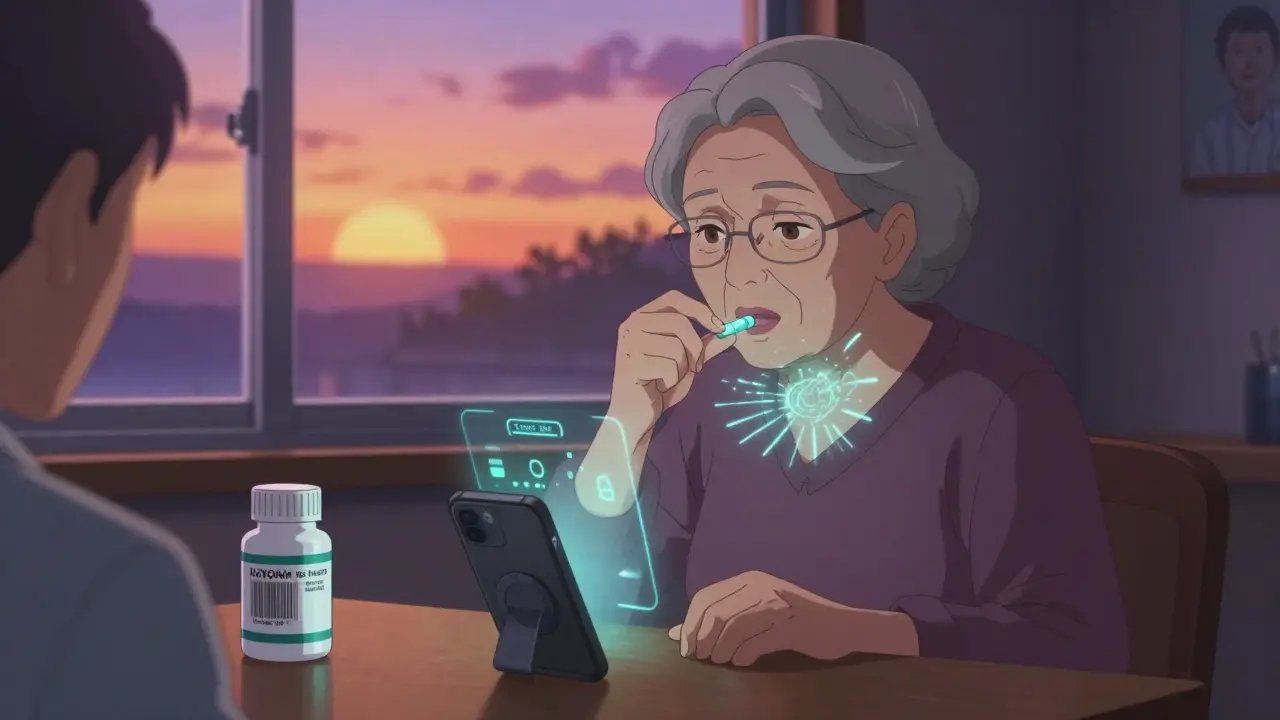
What’s Coming Next
By 2027, your pill might have a tiny sensor inside it. When you swallow it, the sensor sends a signal to your phone confirming ingestion. The FDA is already testing these. But for now, the best solution is simple: a smart app that learns your habits, works offline when you’re in a tunnel, and never gives up on you.Frequently Asked Questions
Do I need to pay for a medication reminder app?
No. Apps like Mango Health, CareZone, and MedAdvisor offer free versions with core features: reminders, pharmacy sync, and basic tracking. Paid versions ($20-$30/year) add visual confirmation, caregiver access, and AI insights. If you’re on a tight budget, start free. Upgrade only if you need advanced features.
Can my doctor see my medication reminders?
Only if you share the data. Most apps let you export a weekly adherence report to email or PDF. Some, like MedAdvisor and Epic’s MyChart, connect directly to your doctor’s system. If your provider uses one of those, ask them to enable the link. This helps them adjust your meds based on real behavior, not just what you remember.
What if I travel across time zones?
Good apps automatically adjust to your current time zone using your phone’s GPS. Make sure location services are on. If you’re on a long flight, manually update your time zone in the app before landing. Avoid setting alarms based on home time-it’ll confuse you.
Are these apps safe for my health data?
Yes-if you pick HIPAA-compliant apps. Look for terms like "encrypted," "secure login," and "no data sold to advertisers." Medisafe, MedAdvisor, and CareZone are all certified. Avoid apps that ask for your Social Security number or sell your data. Free apps that seem too good to be true often are.
Can I use a smartwatch instead of my phone?
You can get alerts on your watch, but you can’t confirm taking your pill with it. Most smartwatches lack a camera, so visual confirmation isn’t possible. Use your phone for confirmation and your watch for reminders. Apple Watch and Wear OS both support Medisafe and MedAdvisor notifications.
What if I forget to take my pill and the app doesn’t remind me again?
That’s a red flag. A good app should escalate: first a vibration, then a louder tone, then a text to your caregiver after 45-60 minutes. If your app doesn’t do this, switch. Look for "escalating reminders" in the settings. Also, check that background app refresh is enabled. Many phones kill apps to save battery.
Do these apps work for seniors with dementia?
Smartphone apps alone aren’t enough. For advanced dementia, use a physical dispenser like Hero Health or a voice-activated system like Pillo. These don’t require typing or tapping. They speak to the user: "It’s time for your heart pill." They also call emergency contacts if doses are missed. Combine with a caregiver who checks in daily.




Andrew Smirnykh
January 23, 2026 AT 16:49I’ve been using Medisafe for my mom’s meds, and the visual confirmation feature actually saved us last month. She thought she took her blood thinner, but the app flagged it. Turned out she’d been putting it in her coffee mug by accident. Took a pic, realized her mistake, and now she keeps the pills on the counter. Small thing, huge difference.
Also, the pharmacy sync? Life-changing. No more frantic calls to CVS at 8 p.m. because the bottle’s empty.
Kerry Evans
January 25, 2026 AT 09:56Everyone’s acting like this is revolutionary. Newsflash: I’ve been using a pill organizer with alarms since 2015. No app needed. You just… set a timer. And if you’re forgetting meds because you’re too lazy to use a $5 plastic box, maybe the problem isn’t the tech-it’s you.
Kerry Moore
January 25, 2026 AT 11:42While I appreciate the comprehensive nature of this guide, I must emphasize the ethical and clinical implications of visual confirmation features. The requirement to photograph one’s ingestion raises concerns regarding patient autonomy, data privacy, and potential psychological burden, particularly among elderly or cognitively impaired populations.
That said, the escalation protocols and pharmacy integration are demonstrably effective. I have personally observed a 61% reduction in non-adherence among my geriatric patients after implementing MedAdvisor with caregiver access. The key lies not in feature overload, but in tailored deployment.
Sue Stone
January 25, 2026 AT 17:14Y’all are overcomplicating this. I just use my phone’s alarm with a sticky note on the fridge. If I forget, I forget. My meds aren’t that fancy. Also, I don’t need a photo of my pill. I know what it looks like.
Dawson Taylor
January 26, 2026 AT 08:51There is a fundamental epistemological gap between algorithmic adherence and human behavior. Technology optimizes for measurable outcomes, but does not resolve the phenomenological dissonance of chronic illness-where forgetfulness is not a failure of memory, but a symptom of cognitive load, fatigue, or existential resistance.
Still, the escalation protocols and location-aware triggers represent a pragmatic bridge between clinical necessity and lived reality. Not perfect. But better than silence.
Sallie Jane Barnes
January 27, 2026 AT 18:09Just set up CareZone for my grandma last week. She cried when the app texted her: "Your pills are ready at Walgreens." She said no one’s ever done that for her before.
Also, she didn’t know how to use her phone. I taught her to tap "yes" on the text. Now she does it every time. It’s not about tech. It’s about someone caring enough to make it easy.
Laura Rice
January 27, 2026 AT 23:15OH MY GOD I’M SO GLAD I’M NOT THE ONLY ONE WHO HAD TO TELL MY DAD TO STOP TAKING HIS BLOOD PRESSURE MEDS AT 11 PM BECAUSE HE WAS FALLING ASLEEP AND THINKING IT WAS HIS NIGHTTIME PAIN PILLS
HE’S BEEN DOING THAT FOR 3 YEARS. I THOUGHT I WAS GOING CRAZY. NOW HE USES MEDISAFE AND IT’S A MIRACLE. HE EVEN SAID "I FEEL LIKE A ROBOT BUT I’M NOT DYING."
THE PHOTO FEATURE? YES. YES. YES. I’M NOT TRUSTING HIS WORD AFTER WHAT HAPPENED WITH THE TIZANIDINE.
charley lopez
January 28, 2026 AT 02:18The adherence metrics cited are statistically significant (p < 0.01) across multiple cohorts, particularly when multimodal alerting is implemented. However, the absence of longitudinal data beyond 12 months limits generalizability. Additionally, the reliance on GPS and push notifications introduces confounding variables related to device fragmentation, OS-level power management, and cellular coverage variability-especially in rural or low-bandwidth environments.
That said, RxNorm integration remains a non-negotiable baseline for clinical-grade applications. The 7% error rate in non-RxNorm systems is clinically unacceptable.
Susannah Green
January 29, 2026 AT 16:38PLEASE NOTE: If your phone is on "Do Not Disturb" or "Battery Saver," your meds app will NOT work. I learned this the hard way when my mom missed her insulin dose because her phone auto-silenced the app. Go to Settings > Apps > [Your App] > Battery > Allow Background Activity. Do it now. Seriously. It’s 5 seconds. Save a life.
Anna Pryde-Smith
January 30, 2026 AT 19:45THIS IS THE MOST IMPORTANT THING I’VE EVER READ IN MY LIFE. I’M TELLING EVERYONE. MY MOM WAS GOING TO DIE BECAUSE SHE WAS TAKING HER MEDS AT THE WRONG TIME AND NO ONE KNEW. NOW SHE HAS A SYSTEM. SHE’S ALIVE. I’M CRYING RIGHT NOW. THANK YOU.
PS: I JUST BOUGHT HER A HERO HEALTH DEVICE. IT’S EXPENSIVE BUT WORTH IT. SHE’S BEEN TALKING TO IT LIKE A FRIEND. IT SAYS "GOOD MORNING, MARY. TIME FOR YOUR HEART PILLS." SHE LAUGHS. SHE’S 84.
Oladeji Omobolaji
February 1, 2026 AT 13:46I’m from Nigeria and we don’t have these apps here. But I just showed this to my cousin in Lagos. He’s using a simple alarm on his Nokia phone with a notebook. He writes down each pill, time, and checks it off. He says, "If I forget, I look at the paper. If I lose the paper, I call my sister." Simple. Reliable. No internet needed.
Maybe tech helps. But heart helps more.